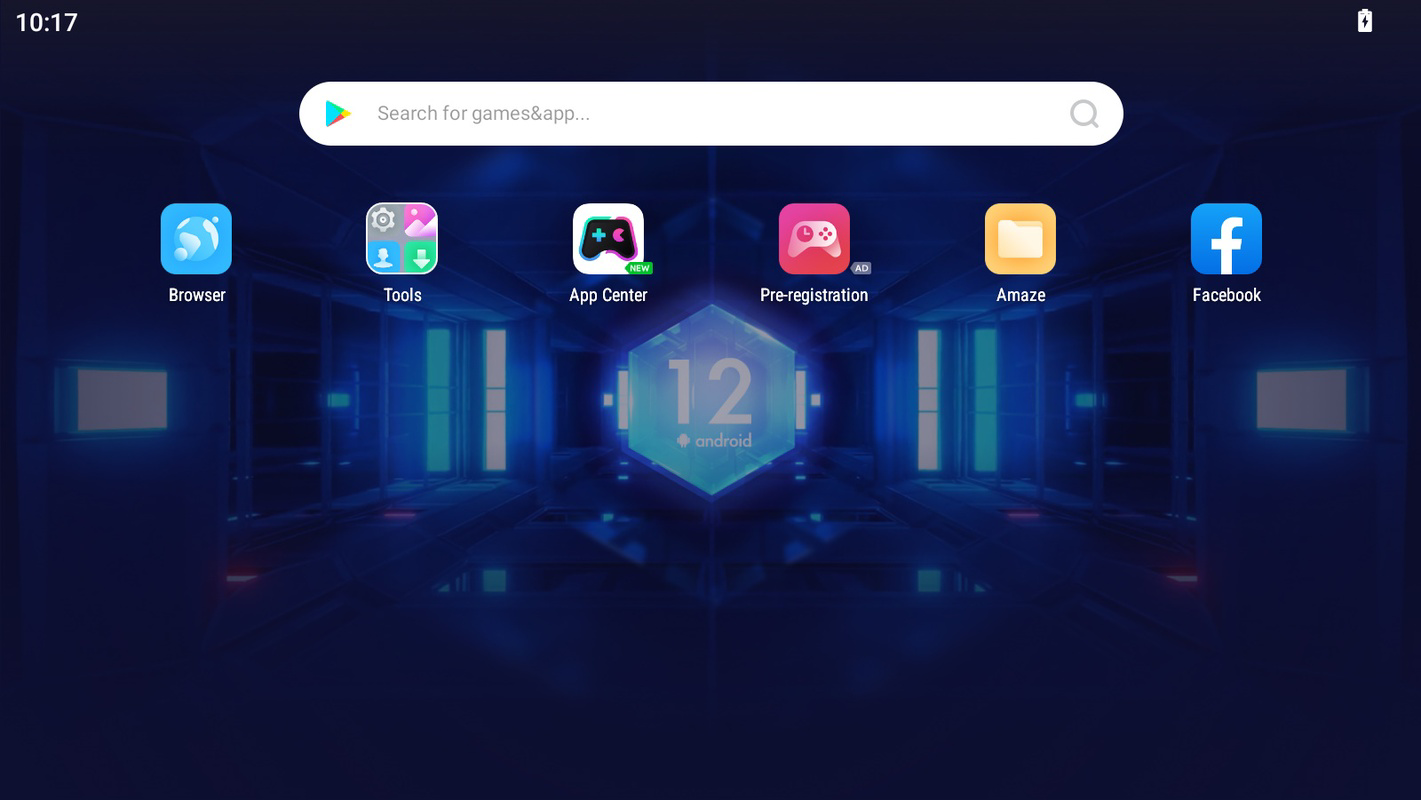
Screenshots


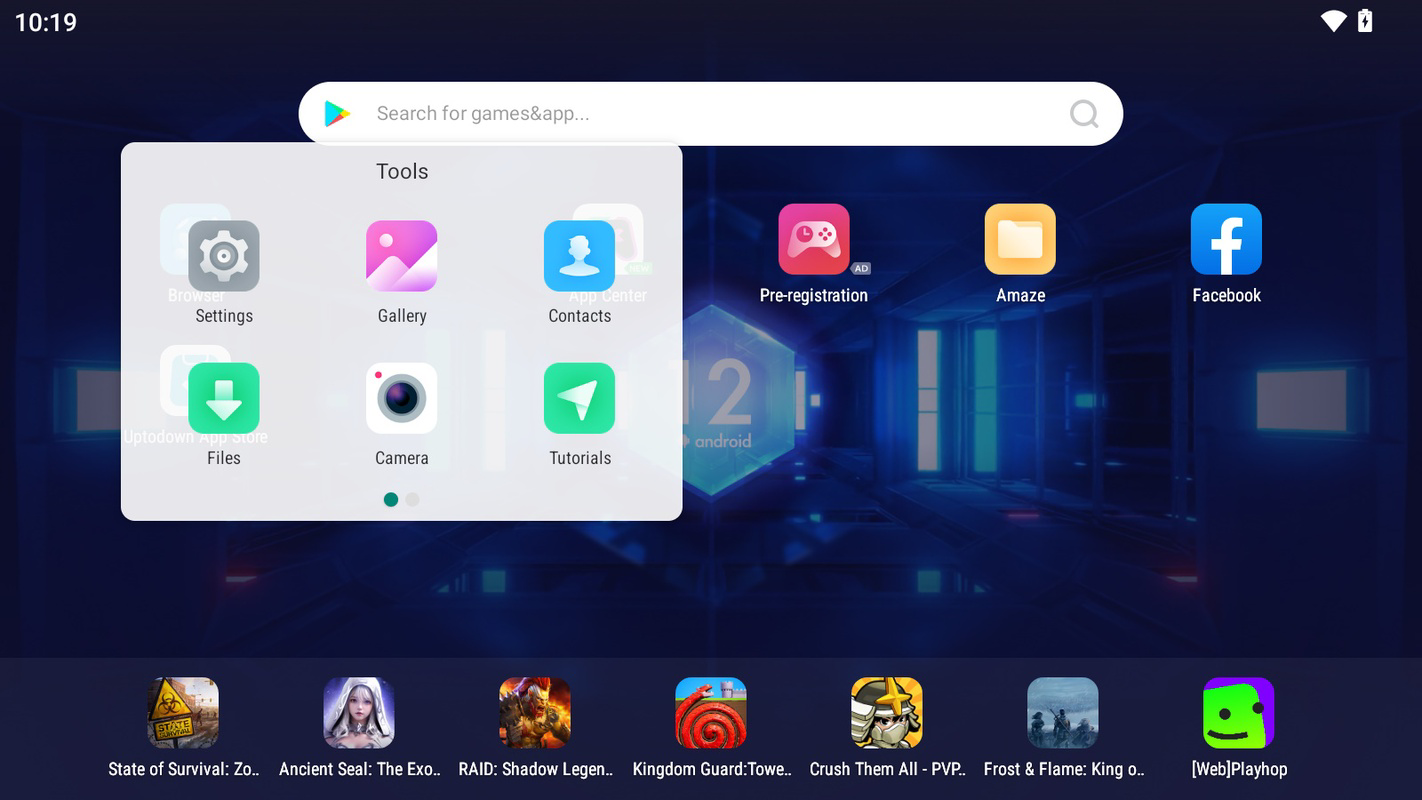
App details
- Updated
- Aug 16, 2024
- Language
- Afrikaans 48 moreLanguagesAfrikaansAmhar...
- Developer
- Bignox
- Category
- Mobile
SoftPas in:
This product is also available in the following languages:
About NoxPlayer Beta
Download NoxPlayer Beta – Android emulator, Windows, gaming, multiple instances, NoxPlayer Beta, Android 12, custom controls, productivity tool
Overview
NoxPlayer Beta is a specialized Android emulator developed for the Windows platform, designed to deliver a seamless Android experience directly on desktop systems. Its primary purpose is to enable users to run Android applications and games on their PCs, offering a bridge between mobile and desktop computing environments. The app is particularly useful for individuals seeking to play mobile games with enhanced controls, test app compatibility across multiple Android versions, or improve workflow efficiency through multitasking on a larger screen. Target users include casual mobile app users, serious gamers, developers, and productivity-focused professionals who benefit from running Android tools on a desktop setup.
As a tool built specifically for Windows, NoxPlayer Beta supports up to Android 12, ensuring access to modern app features and improved performance. The emulator allows for the creation of multiple instances, which is ideal for managing different Android environments simultaneously—such as testing apps on Android 9 and Android 12 within the same system. This functionality makes it a valuable asset in both personal and professional workflows. Although the developer did not provide additional technical details about the underlying architecture, the emphasis on stability, performance, and customization suggests a mature product tailored for long-term use. The app plays a notable role in the mobile emulation ecosystem by offering a free, feature-rich alternative to other desktop-based Android emulators.
Key Features & Functionality
- Multiple Android Versions Support: Users can run Android 9 through Android 12 within the emulator, enabling compatibility testing for apps and games designed for specific API levels. This is particularly useful for developers or power users who need to verify functionality across different environments.
- Easy Installation with Nox Wizard: The built-in Nox Wizard streamlines the setup process, allowing users to create multiple emulator instances without complex configurations. This feature reduces the learning curve and enhances accessibility for new users.
- Customizable Gesture Controls: Each game can have individually mapped controls, supporting mouse, keyboard, or gamepad inputs like Xbox or PlayStation controllers. This ensures a tailored gameplay experience, improving responsiveness and comfort during extended sessions.
- Comprehensive Settings Options: Users can adjust resolution, device type, language, and enable hardware acceleration. These settings allow for fine-tuned performance optimization based on system capabilities and user preferences.
- Regular Updates via Nox Wizard: The emulator supports easy updates, ensuring users can quickly access the latest Android versions and security patches without manual intervention.
For example, a mobile game developer can use NoxPlayer Beta to test a game’s performance on Android 10 and Android 12 simultaneously, while a gamer can run two instances—one for a competitive match and another for a casual session—using different control schemes. The ability to customize each instance independently enhances productivity and flexibility across diverse use cases.
Interface, UX & Performance
NoxPlayer Beta features a clean, intuitive interface designed with both new and experienced users in mind. The main dashboard presents essential tools such as instance management, settings access, and app installation options in a well-organized layout. Navigation is straightforward, with clearly labeled buttons and logical menu placement, reducing the time required to perform common tasks. The visual style is functional and modern, with minimal distractions, allowing users to focus on their primary activities—whether gaming or app testing.
Responsiveness is generally strong across various device categories, though the developer did not list formal performance metrics. Users can expect smooth operation on systems meeting basic Windows requirements, especially when hardware acceleration is enabled. The emulator maintains stable performance during extended sessions, with minimal lag reported in typical use cases. Although the developer did not specify minimum OS requirements, the app is compatible with current Windows versions, and the lightweight 230 MB file size suggests efficient resource usage.
Platform Compatibility & Technical Requirements
NoxPlayer Beta is designed exclusively for the Windows platform, making it accessible to users running desktop operating systems. The current version is 7.5.1.1111, with a file size of 230 MB, which indicates a compact and efficient installation package. The app supports up to Android 12, allowing users to experience the latest Android features within the emulator environment. Specific requirements such as minimum OS version, processor type, or RAM were not listed by the developer. However, the app’s lightweight footprint and compatibility with modern Windows systems suggest it is optimized for mainstream desktop hardware.
Pros and Cons
Pros
- Free to download and use, making it accessible to a wide audience.
- Supports multiple Android versions, enabling cross-compatibility testing.
- Easy installation process with the Nox Wizard for quick setup.
- Customizable controls for enhanced gaming and usability.
- Multiple instances can be run simultaneously for multitasking.
Cons
- The developer did not specify minimum system requirements or compatibility details.
- Performance may vary depending on hardware configurations not disclosed.
- No official support for macOS or Linux platforms.
- Some users may find the interface slightly cluttered after adding multiple instances.
- Updates are managed through the Nox Wizard, which may require user initiation.
FAQ
Is NoxPlayer Beta safe to install?
Yes, NoxPlayer Beta is a legitimate emulator developed by NoxPlayer. It does not contain malware or unwanted software, and the free version is secure for personal and professional use.
Can I run multiple games at once using NoxPlayer Beta?
Yes, the emulator supports multiple instances, allowing users to run different games or apps simultaneously on separate virtual devices.
Does NoxPlayer Beta support gamepads?
Yes, users can connect Xbox, PlayStation, or other compatible gamepads and map controls individually for each game.
Is NoxPlayer Beta available for macOS or Linux?
Currently, the app is only available for Windows. There is no official version for macOS or Linux platforms.
How often are updates released for NoxPlayer Beta?
Updates are released regularly through the Nox Wizard, ensuring users can access the latest Android features and performance improvements.
Final Thoughts
NoxPlayer Beta stands out as a powerful, free Android emulator tailored for Windows users who need flexibility, performance, and customization. Whether you're a gamer looking to enhance gameplay with custom controls, a developer testing app compatibility across Android versions, or a productivity user managing multiple Android tasks, this tool delivers a robust solution. Its support for multiple instances, ease of setup, and regular updates make it a reliable choice in the desktop emulation space. While some technical details remain undisclosed, the overall functionality and user experience remain strong. For anyone seeking a versatile Android environment on their PC, NoxPlayer Beta offers excellent value with no cost barrier.
Download NoxPlayer Beta now
Guides & Tutorials
How to install NoxPlayer Beta
- Click the Download button above.
- Once redirected, accept the terms and click Install.
- Wait for the NoxPlayer Beta download to finish on your device.
How to use NoxPlayer Beta
This software is primarily used for its core features described above. Open the app after installation to explore its capabilities.
User Reviews
No reviews yet. Be the first to share your experience.
You may also like
more
Que no te pillen¡
About !Que no te pillen¡Reviewed by Jason A. BilbreyShow MoreShow Less

3D Combat Zone
About 3D Combat ZoneOriginally released in 1983, 3D Combat Zone immerses players...

666: El día del portal
About 666: El día del portalOn June 6, 2006, Agent P. Stone uncovers a sinister...

80 in 1 Best Flash games
About 80 in 1 Best Flash games 80 in 1 Best Flash games is a collection of 80 fl...

ABYSS SEEKERーーWhat Do You See Deep in The Abyss
About ABYSS SEEKERーーWhat Do You See Deep in The AbyssIn ABYSS SEEKER, players...

ACA NEOGEO THE KING OF FIGHTERS 2002 for Windows
About ACA NEOGEO THE KING OF FIGHTERS 2002 for WindowsTHE KING OF FIGHTERS 2002,...